 PLCU India
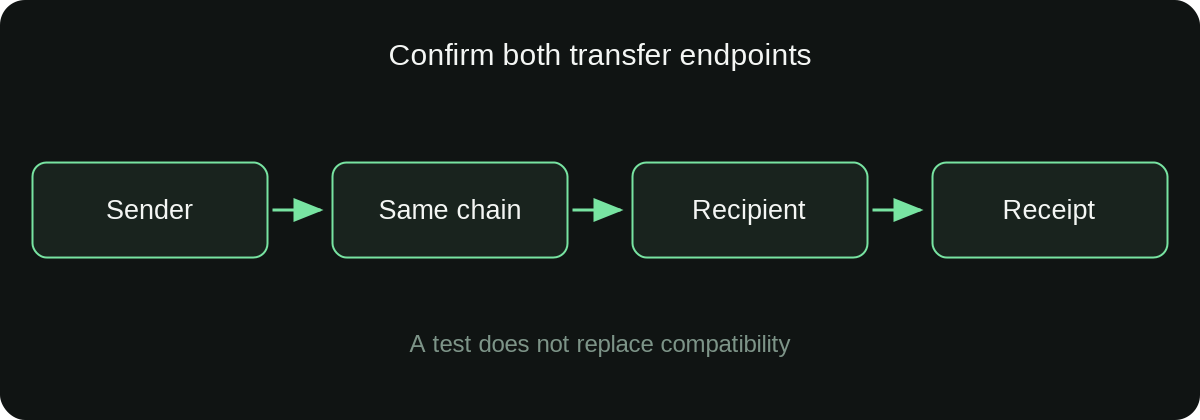
A PLCU transfer requires the same asset and supported network at both ends. Confirm the receiving instructions, amount, fee and any required identifier before signing. A familiar ticker or successful address paste does not prove that the recipient can credit the coins.
Define the receiving task precisely
Sending to your own wallet, depositing to an exchange and moving coins out of a farm are not identical operations. An exchange can impose deposit conditions; a product can impose release conditions; a wallet transfer depends on signing access and network rules.
Write down the source and destination as specific products. “From Binance to Ultima” is too ambiguous because it could mean a custodial account, a Web3 wallet or a funding balance that contains a different asset. Do not begin with a tutorial's button names until you know what is being moved.
The transfer overview from Binance is useful for the general principle of matching networks. It is not confirmation that any PLCU route is supported by that exchange.
Verify the coin at both ends
Check the full asset name and network on the sending and receiving screens. Historical PLCU naming changes mean that an old account record may refer to Classic rather than the asset a current destination expects. Do not use a rename as permission to send across different chains.
The MEXC migration notice provides historical context for that distinction. For an actual transfer, current destination instructions take priority over a saved screenshot from the migration period.
If the destination only supports USDT, it does not accept PLCU simply because your intention is to sell PLCU for USDT later. Asset conversion must occur through a verified market or protocol; a transfer itself does not perform the trade.
Prepare a destination record
Use a record you can compare immediately before signing:
| Field | What to verify |
|---|---|
| Recipient | The wallet or platform account you intend to credit |
| Asset and chain | Exact match with the supported receiving service |
| Address | Copied directly from the verified destination |
| Extra identifier | Any memo, tag or other required field shown by the recipient |
| Amount and minimum | Enough to satisfy the receiving rules after applicable deductions |
| Service status | Deposits or receipts are currently supported |
Do not assume every chain uses a memo or that none does. Follow the actual receiving instructions. If a support representative provides changed information, verify it through the official account interface before relying on it.
Check the full address or a reliable verification method, not only its first and last characters. Clipboard replacement and address-poisoning attempts can exploit abbreviated comparisons. A previous entry in your history is not automatically the intended recipient.
Review withdrawal fees and spendable balance
An exchange withdrawal fee is not always identical to the network fee paid by the sender. Read whether it is deducted from the requested amount or added separately. The net quantity matters when the receiving platform has a minimum deposit.
For self-custody, identify how the wallet pays the network fee. Do not automatically apply Ethereum gas instructions to a different native chain. A random claim that you must send ETH or BNB to unlock a PLCU transfer needs verification against the actual network.
Also check whether your balance is spendable. A displayed amount can include a locked product position or an entitlement not yet delivered. Repeated withdrawal attempts cannot override those conditions. Use the Farm and Minter analysis if the coins originate in a reward product.
Use a small test for the question it can answer
After completing compatibility checks, a limited test can confirm that a particular destination credits a particular transfer. Ensure the test is above any minimum and proportionate to the fees. Do not use a test to discover whether two clearly different chains are compatible.
Wait for the expected receipt or credit before sending more. Save the transaction ID, amount and time. If the test does not arrive, compare the sending status with the explorer and receiving service before changing any settings.
A successful test does not guarantee future service availability or prove the recipient's economic reliability. It validates an operational path at a particular time. Recheck instructions when returning after a long interval or sending a materially larger amount.
Follow the transfer through its distinct states
A request accepted by an exchange is not yet a transaction confirmed on the network. A network confirmation is not yet an exchange account credit. Record these states separately so that a delay can be addressed to the correct service.
If no transaction ID exists, check whether the source still has a queued or rejected withdrawal. If a confirmed transfer exists but the destination has not credited it, provide the relevant public evidence to the receiving service. Do not send your seed phrase as proof.
The explorer guide shows how to assemble that evidence. Avoid a second transfer intended to “wake up” the first one; it may create another unresolved deposit rather than fix the original issue.
Transfers involving Binance Wallet need separate verification
There is no general send-from-Web3 instruction that turns an unsupported asset into native PLCU. A token bearing the name on another chain needs independent identity and redemption evidence before it can be treated as the same asset.
If those facts cannot be established, stop. Sending an unverified token to Ultima Wallet or sending native PLCU to an incompatible Web3 address can make recovery difficult or impossible. Compatibility is a prerequisite, not a setting to improvise after funds move.
Frequently asked questions
Can I cancel a transfer after it has confirmed?
Ordinary confirmed blockchain transfers are not undone by closing the app. Any recovery depends on the recipient and circumstances, not a universal cancel button or a fee paid to an unknown helper.
Should the test and main transfer use the same destination details?
Reconfirm both. A service can rotate addresses or change instructions, and the main transfer still needs its own asset, network and recipient review rather than being assumed identical to the test.
What if a QR code includes both an address and an amount?
Inspect the decoded payment request before signing. Confirm the recipient and amount in the wallet itself; scanning a code is a convenience feature, not independent validation of its contents.